WolfOS - Personal version of CloudflareOS
Cloudflare OS
I am a follower of Kenton Varda’s work in Cloudflare Workers and have been following his writings in Cloudflare Blog for many years. I recently watched his video on CloudflareOS and I wanted to give it a try in my personal account.
A good starting point is to read the Cloudflare OS Announcement.
Setup and Installation
Installation is pretty straightforward, and I was able to get it up and running in my personal Cloudflare account. There are two flavours, the base version and the customized version if you wanna modify to the needs.
- Base version; https://github.com/cloudflare/cloudflare-os
- Customized version; https://github.com/cloudflare/cloudflare-os-starter
I tried with the base version and installed with the steps provided.
WolfOS - Personal Version
I named mine as WolfOS (just took that name after my visit to Great Wolf Lodge, lol)
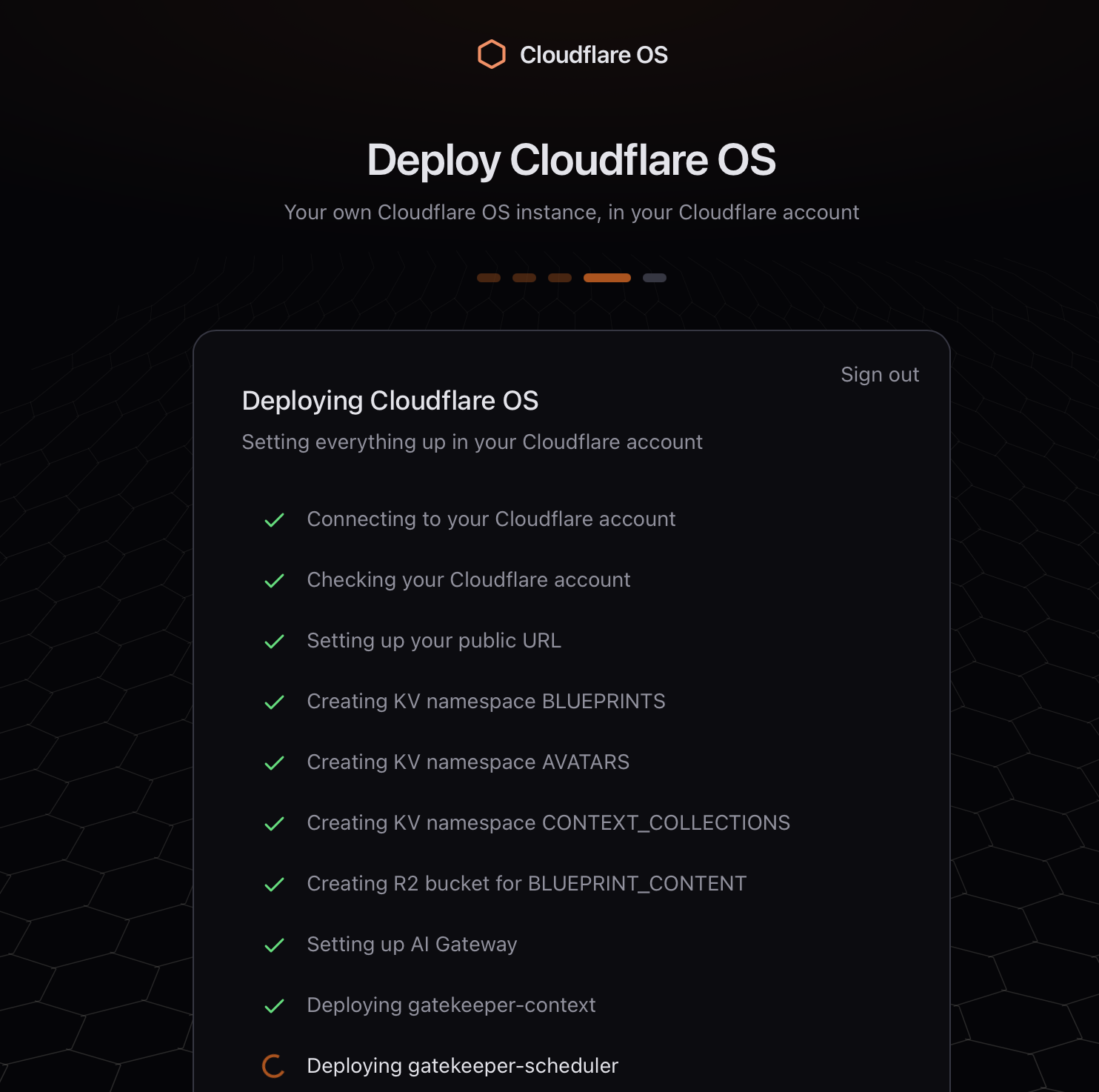
Cloudflare deploys a bunch of Workers, KVs, R2 buckets, Durable Objects (excellent piece of software for collaboration), Observability natively and other resources to your account. The best part is that the software is already protected by Cloudflare Access. I have mine running with my subdomain https://wolfos.harishnotes.com/
Terminology
- Workspaces: A place where you work collaboratively with the AI agent producing Output.
- Gadgets: Apps that you create and run in workspace.
- Blueprints: Published Gadgets that can be shared and reused by others.
- Context and Skills: The context and skills that you provide to reference them in Workspaces.
- Gatekeepers: Gatekeepers are the security and access control mechanism for the resources and actions for external services.
Workspaces
In a few minutes, I was able to get the WolfOS up and running in my subdomain. The developer experience has always been great with Cloudflare products.
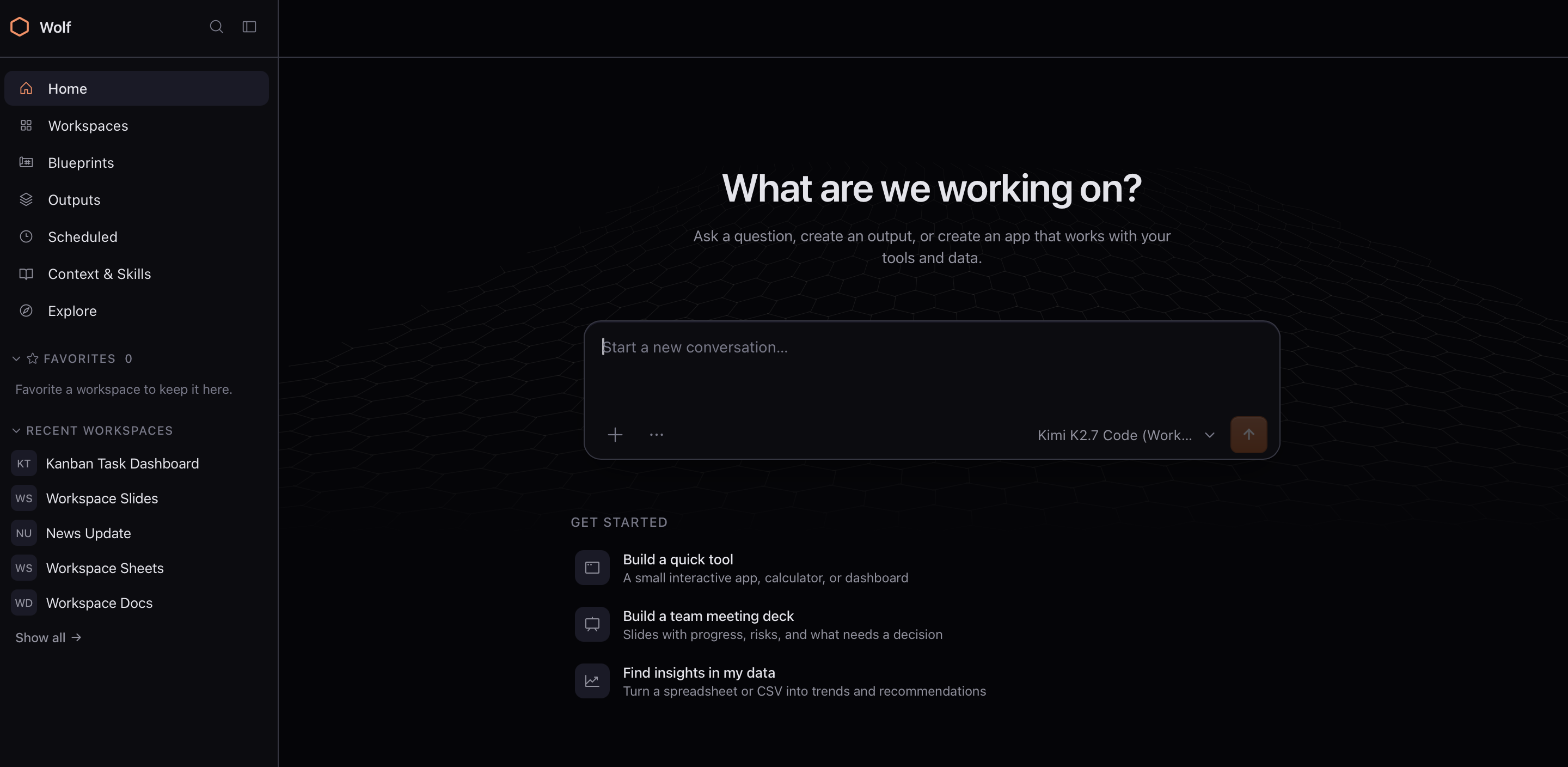
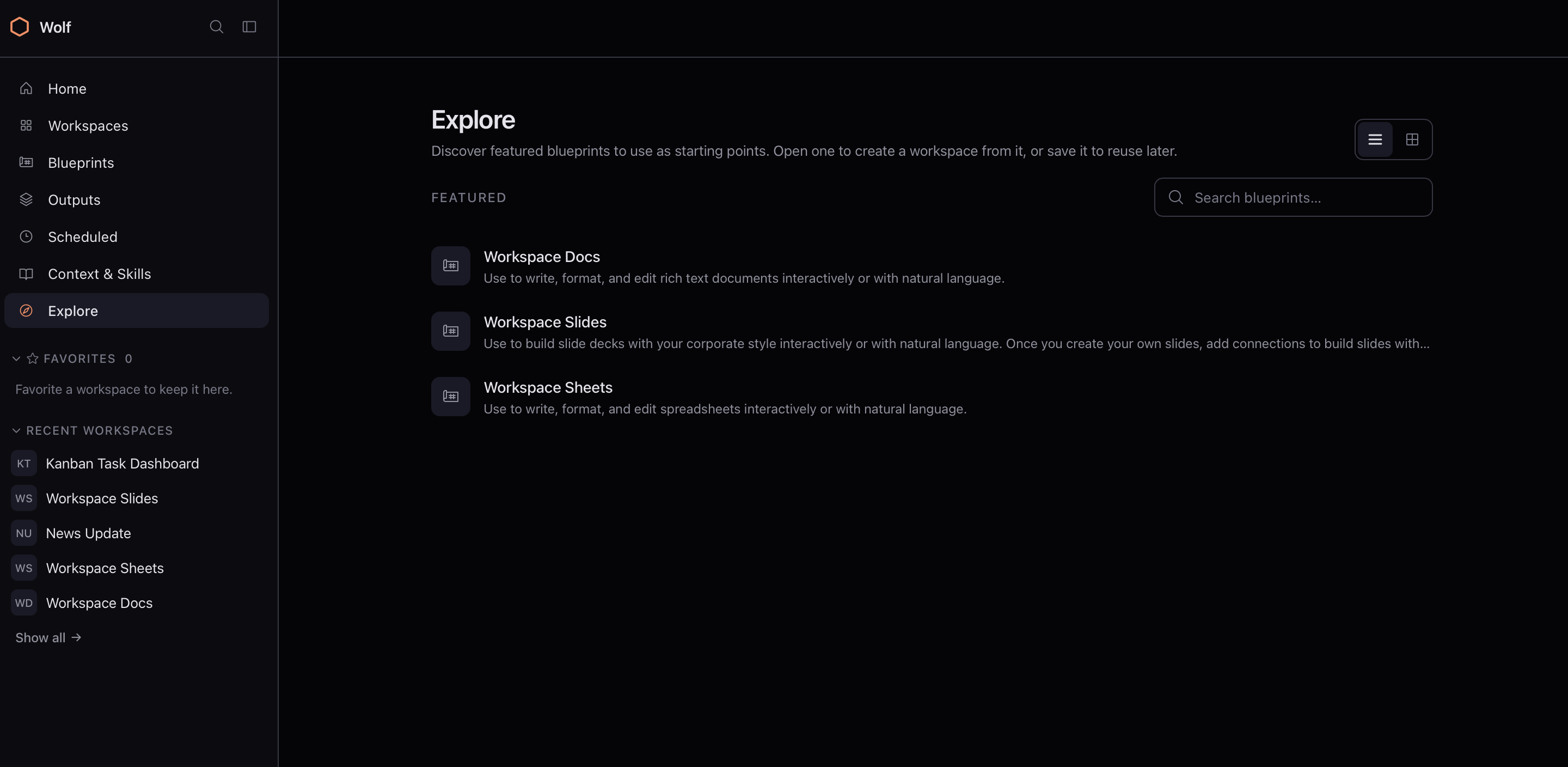
Workspaces Docs, Slides and Sheets for the agents and humans to collaborate and work. To me, this looks like the OpenAI DevDay Spaces
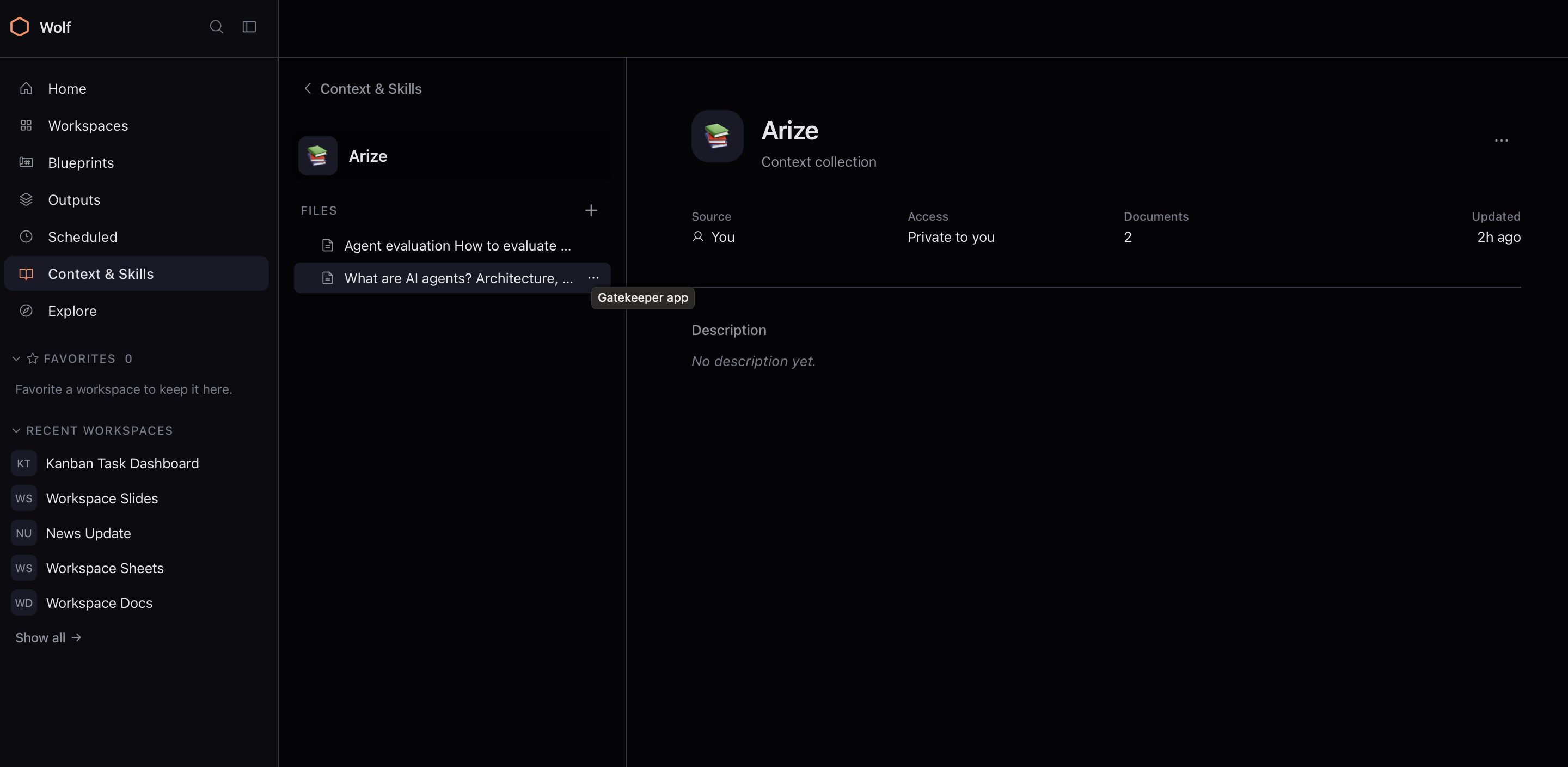
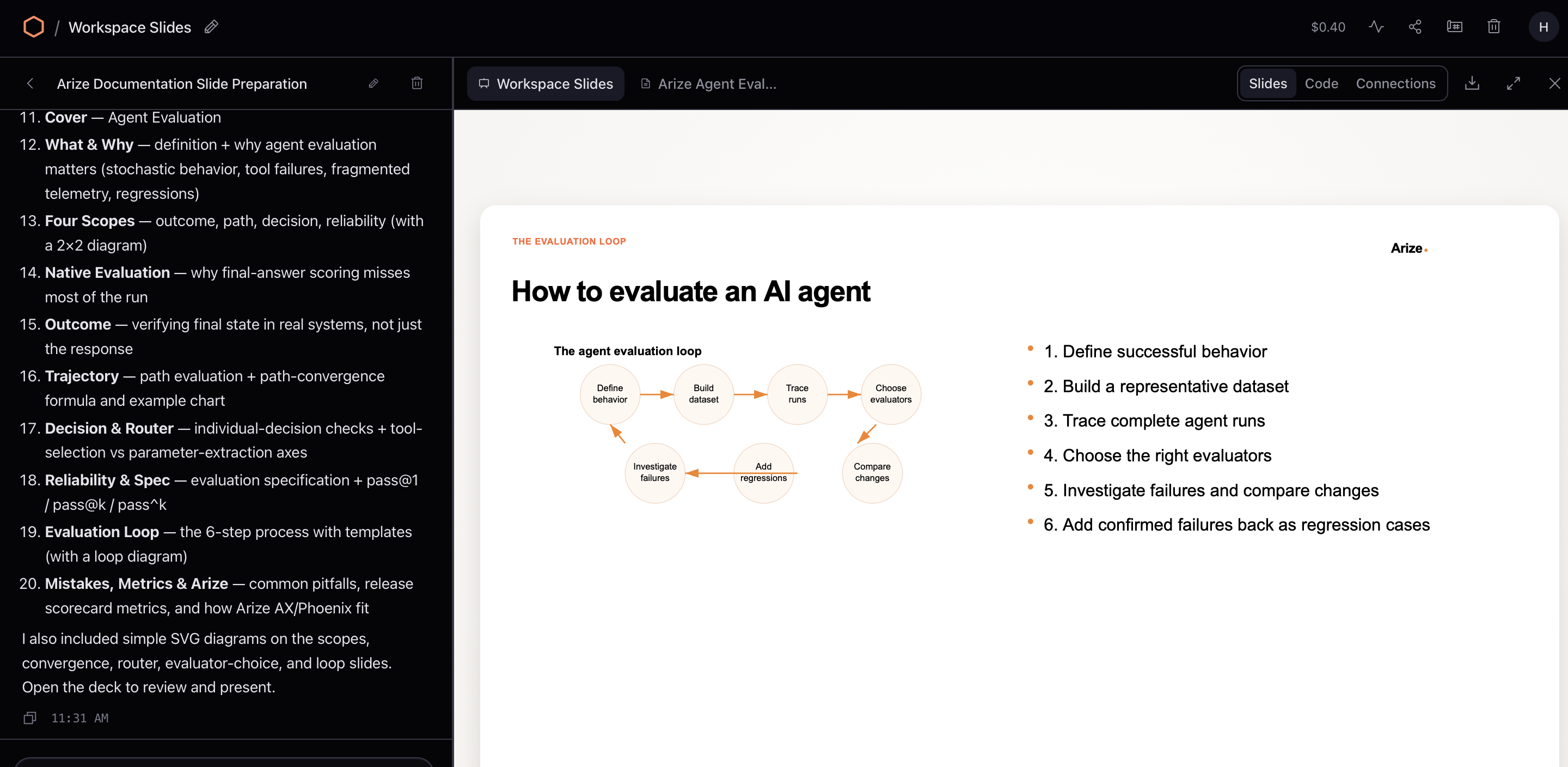
AI access is provided via AI gateway and the default models are pretty good for the needs for now. It is calculated in Neurons in Cloudflare, and so I used Kimi 2.5 for this work. I wanted to see how well I can customize and work on it, so I took the references of AI Agents from Arize and provided it as the ‘Context and Skills’ in the WolfOS.
As a eval, I then asked it to generate some slides and it quickly worked it to my needs based on the context provided.
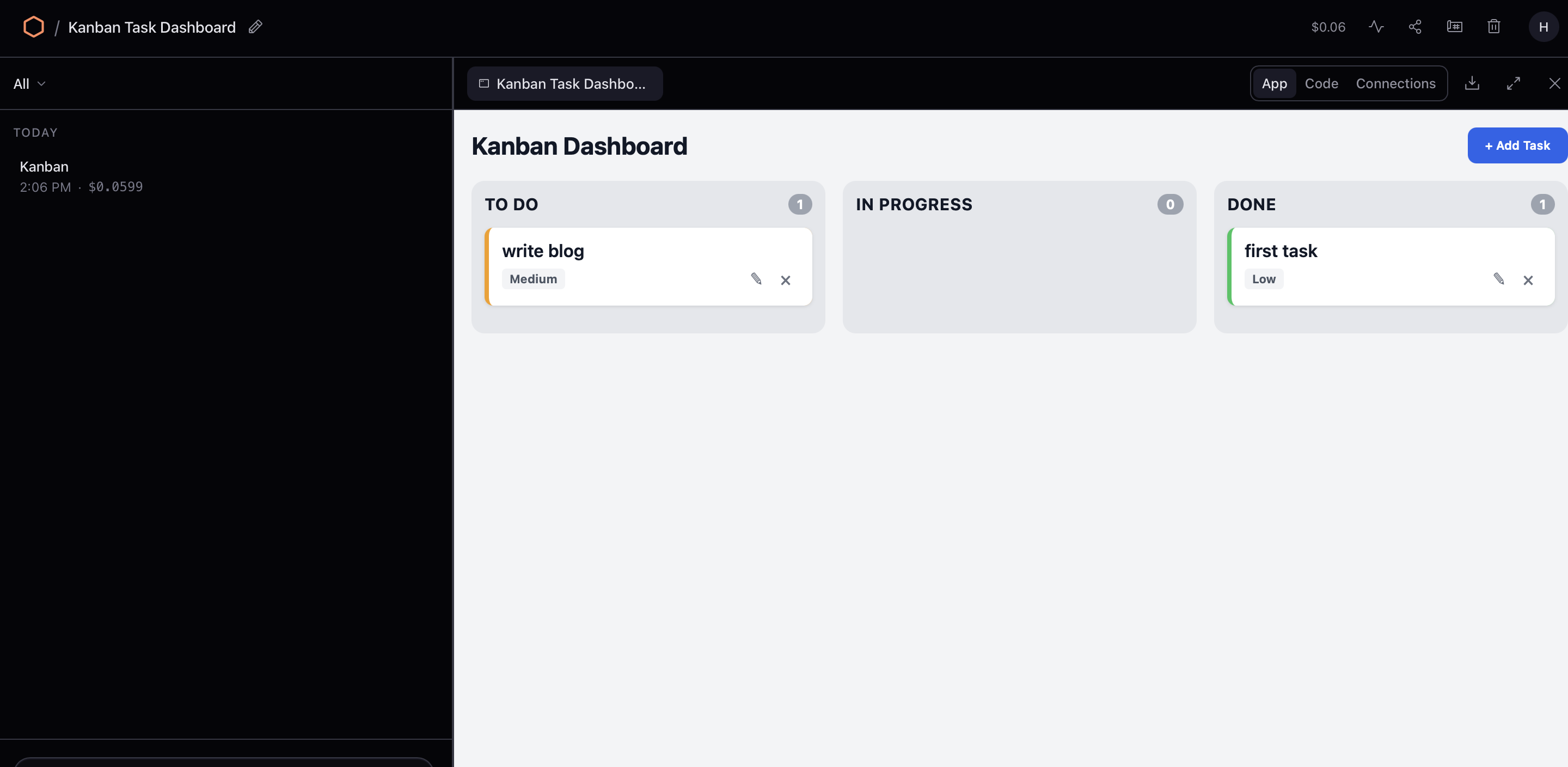
I also made a Kanban board to see if I can publish this gadget and promote it as a blueprint. Nice!
The connections to the Agent, and the Scheduler works appropriately. I added a scheduler to run a daily task to generate a summary of a topic that I closely follow. I think this will really work well for everyone to produce deterministic workflow, small apps and automate repeatable tasks.
I am yet to explore the Gatekeepers for security and other features in CloudflareOS with external services with local development, and will update this blog as I tinker with it.