Blog setup using Cloudflare and Hugo
In this post, I will outline the steps for setting up a website using Cloudflare Pages.
I used to own a domain at Namecheap and it was pretty good. While I’ve been following Cloudflare and its products for a few years, they did not yet offer a domain registrar.
I looked at Zoho when I was considering getting a new domain because it is pretty reliable and it comes with a business email address. I checked Cloudflare and discovered they are now a domain registrar, so I went with them because they provide other security features.
As a Go developer, I already used Hugo. As such, this blog is also built with Hugo and deployed on CloudFare.
We will see the following steps.
1. Domain registration in Cloudflare
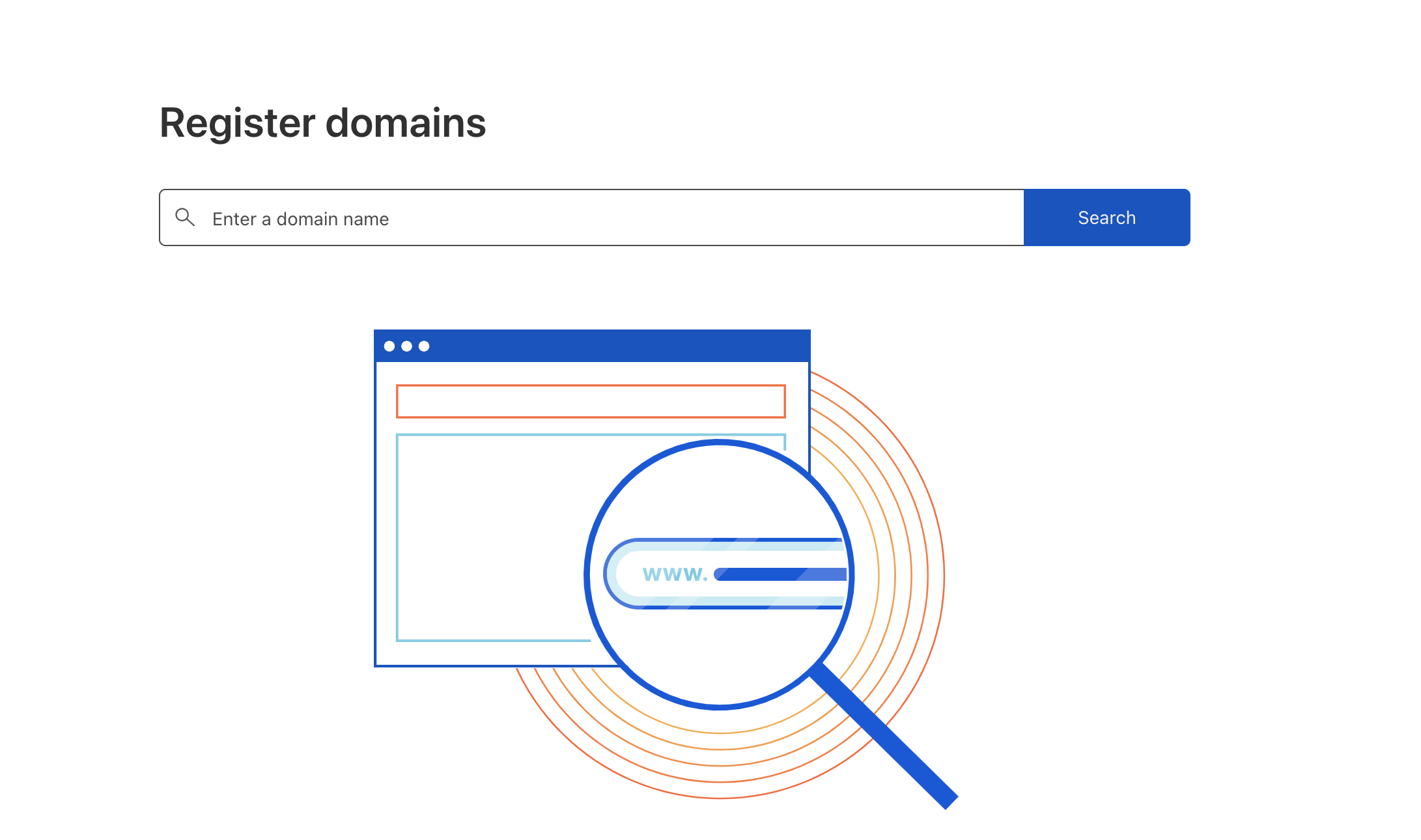
This is a simple process to purchase a domain as like in any other domain registrars. Search for a domain and purchase it.
2. How to install Hugo
Hugo documentation is pretty good and steps are outlined here Install Hugo, customize the theme, write posts and start building fast.
3. Cloudflare Pages, Deploy with Github
Cloudflare Pages is a service that allows you to host your website on Cloudflare. It is a great way to host your website and it is free.
Connect the GitHub repository to the Cloudflare Pages and start deploying. It takes a few minutes.
Some settings for Hugo are;
| Configuration option | Value |
|---|---|
| Production branch | main |
| Build directory | public |
Detailed steps of Hugo and Cloudflare Pages are here
The domain can be customized to the domain that you want to host your website.
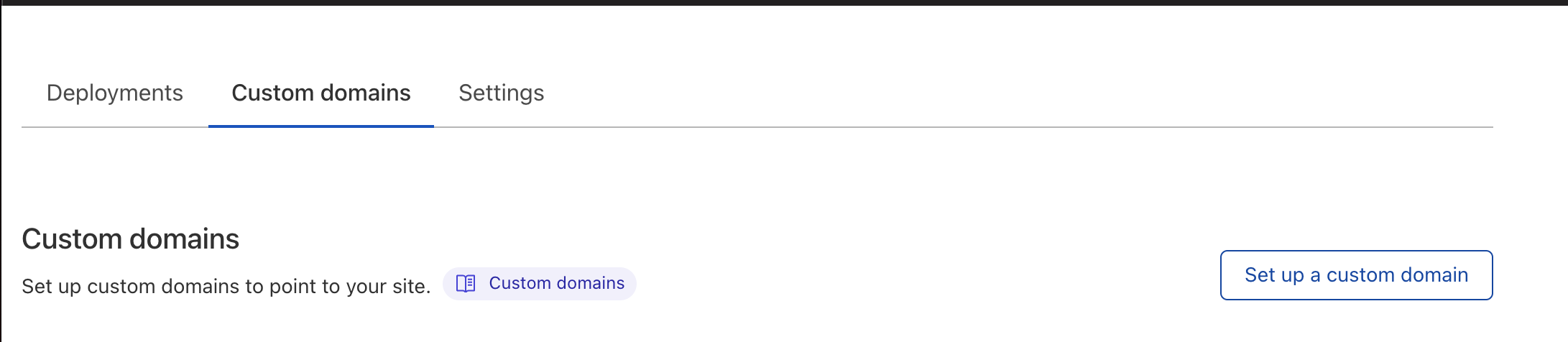
It takes a few minutes to have the build up and running. If the domain is purchased in Cloudflare, the DNS records are setup automatically.
I love using Cloudflare products. They are on a mission to make the internet a better place.
Cloudflare community is also very active and great place to learn.