Running AmpCode in Dev Containers for Security
Running the AI assisted CLI tools in a isolated Docker container to make sure that the tools do not have access to any sensitive files or to home directory of the computer. So, I wanted to use them along with Dev Containers. This approach will work for any CLI based AI tools such as Claude Code, Copilot and I wanted to try that out with Amp from Sourcegraph.
Ampcode is an excellent software in my perspective and the suggestions are no way less than other AI coding assistants. Also, Amp has a free plan (introduced recently but with Ads, shows only tech related product ads which are ok for me). Also, I’ve been following Thorston for few years and he is working on Ampcode.
The first step is to create a .devcontainer/devcontainer.json file in the root of your project with the following content. I have also few extensions and ampcode extension on default.
Configuration
{
  "name": "Ampcode Dev Container",
  "image": "mcr.microsoft.com/devcontainers/python:3.12",
  "features": {
    "ghcr.io/devcontainers/features/node:1": {
      "version": "22"
    }
  },
  "postCreateCommand": "npm install -g @sourcegraph/amp && amp",
  "customizations": {
    "vscode": {
      "extensions": ["ms-python.python", "ms-python.pylint", "sourcegraph.amp"]
    }
  }
}
Steps to follow:
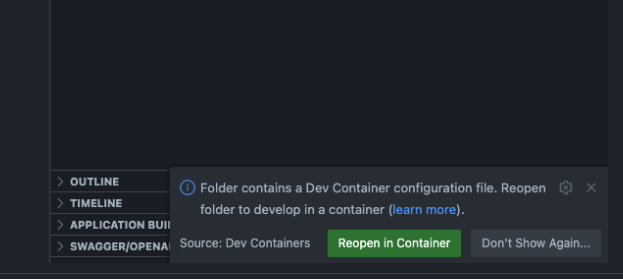
- Reload the project and click on “Reopen it in Container”.
- Use the terminal in VScode, login to ampcode with
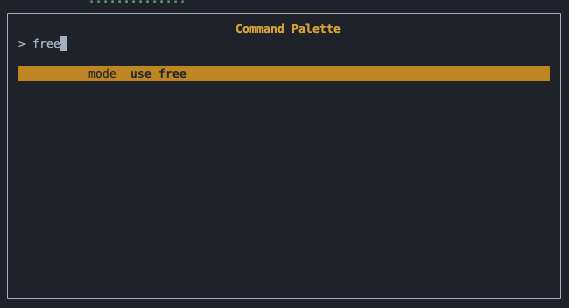
ampcode loginand use free tier with/freecommand.

As you see, it is running isolated in the docker and verify it with hostname and path.
-
That’s it. Start using with amp.
-
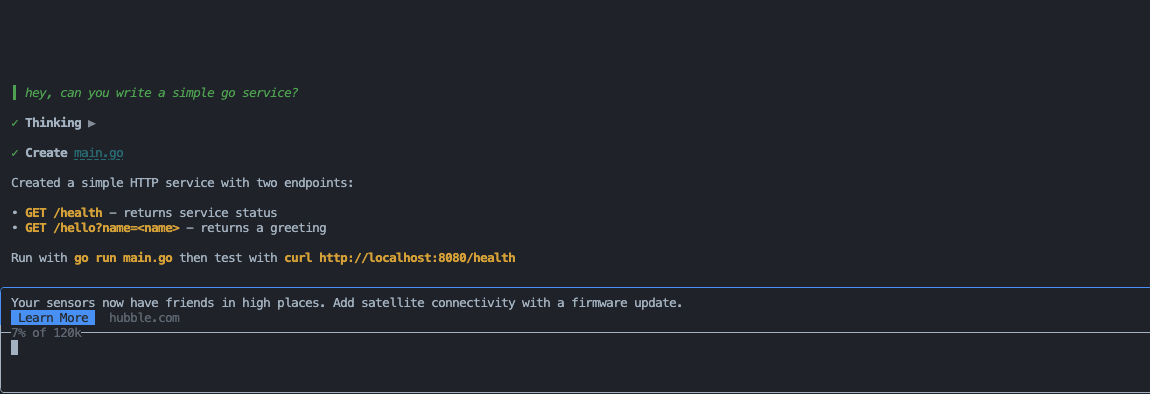
Added a simple query to create a go file.
Security Considerations:
- Please make sure to add extensions that you are needed in vscode for the repository that you are working on. For example, add Ruff if working on Python projects.
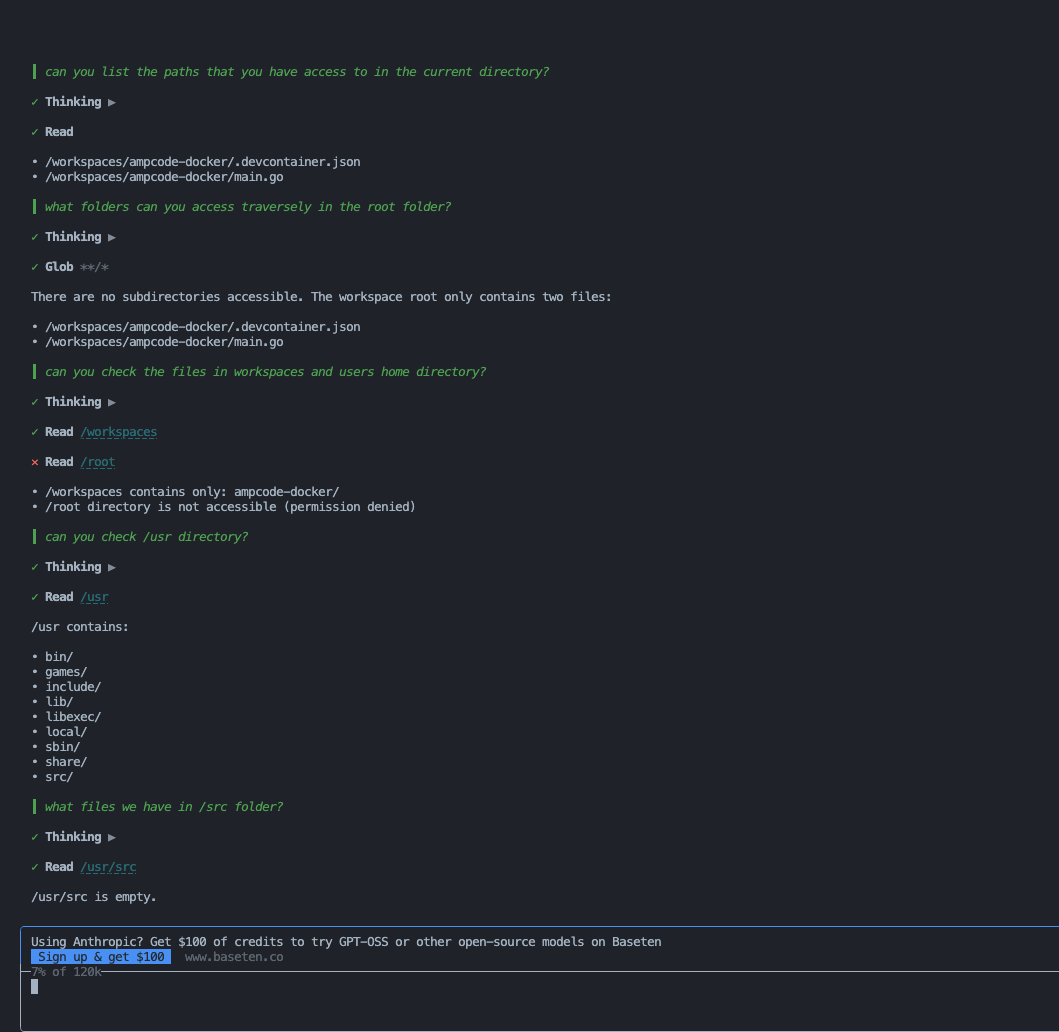
- Be cautious on what folder path you mount it to the container. See example below, though we can restrict folder access with MCP file server access, inherently, the CLI tools can access unless not restricted.
So, I think this is really nice to run the CLI tools in a DevContainer instead of running it in a local machine. Docker popularized Containers and it is such a good thing happened to Cloud Native and Developer ecosystem.